


 English


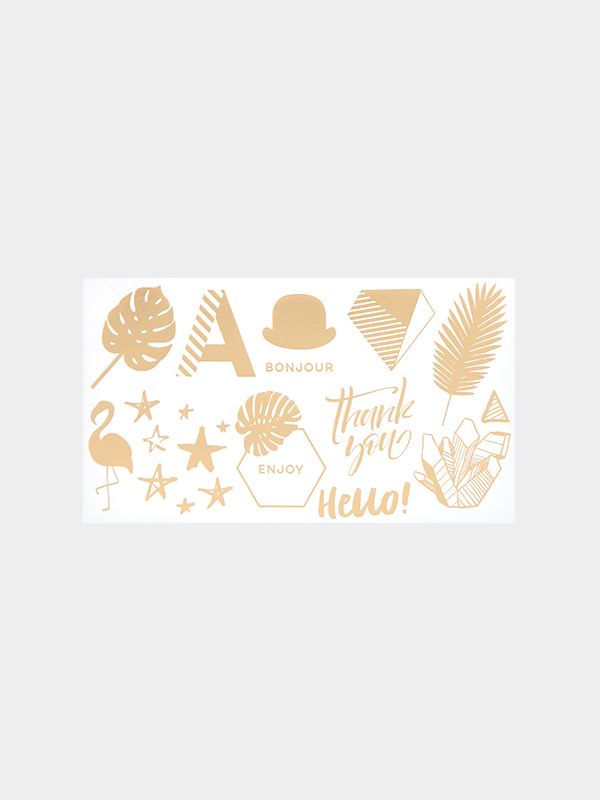
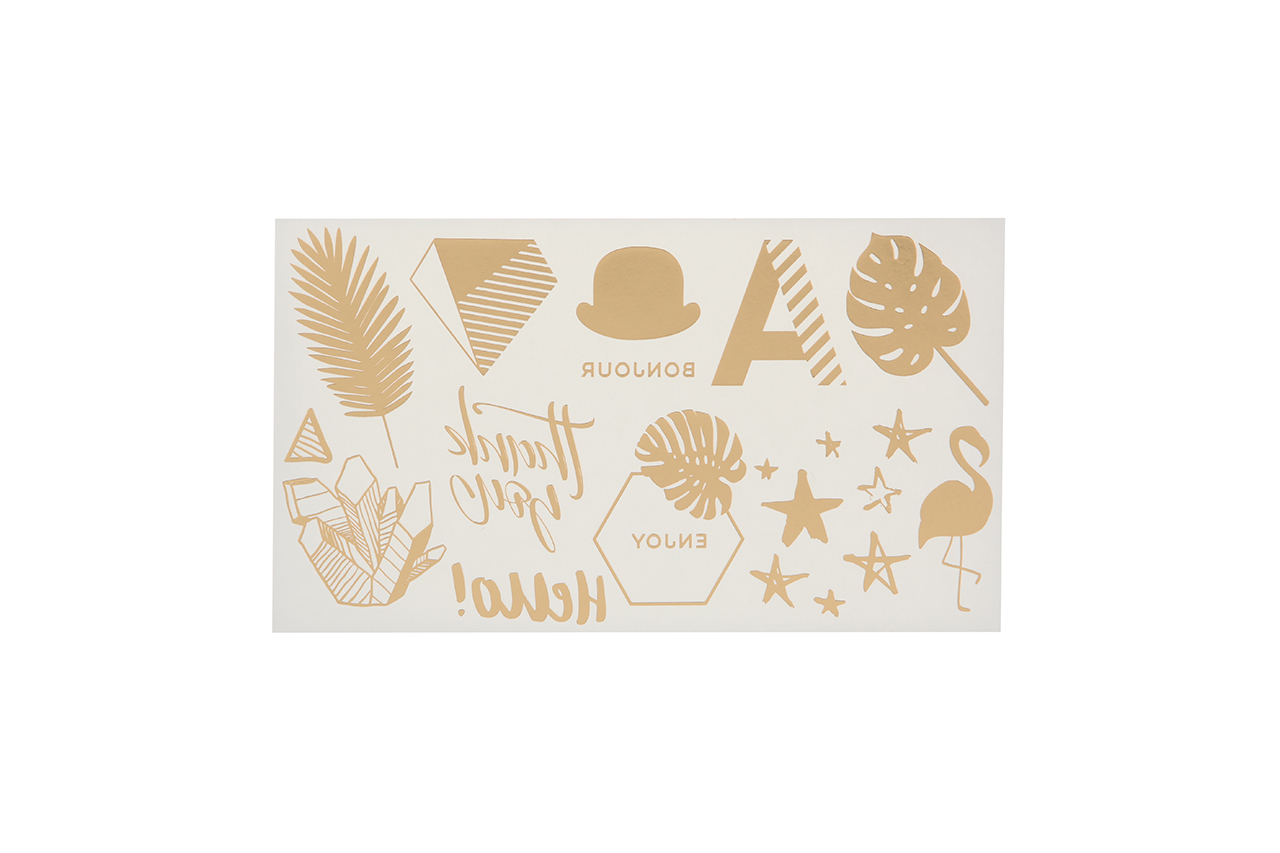
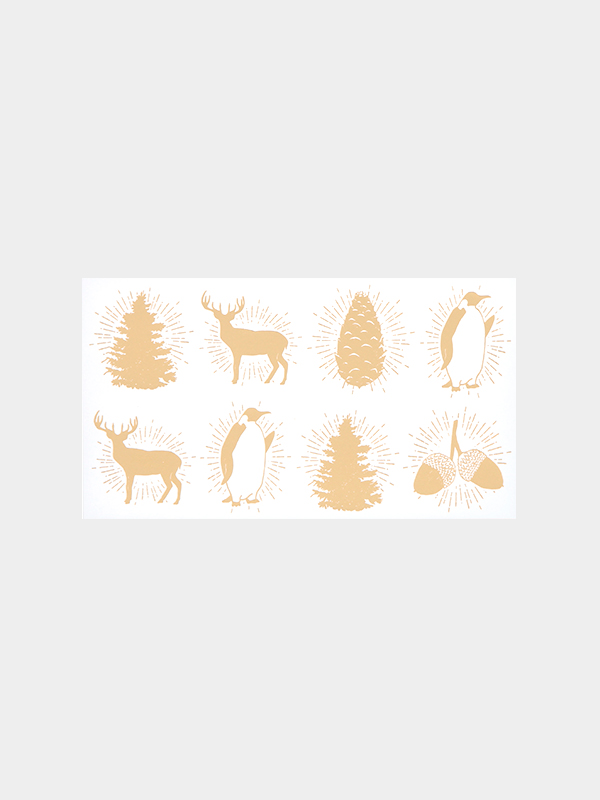
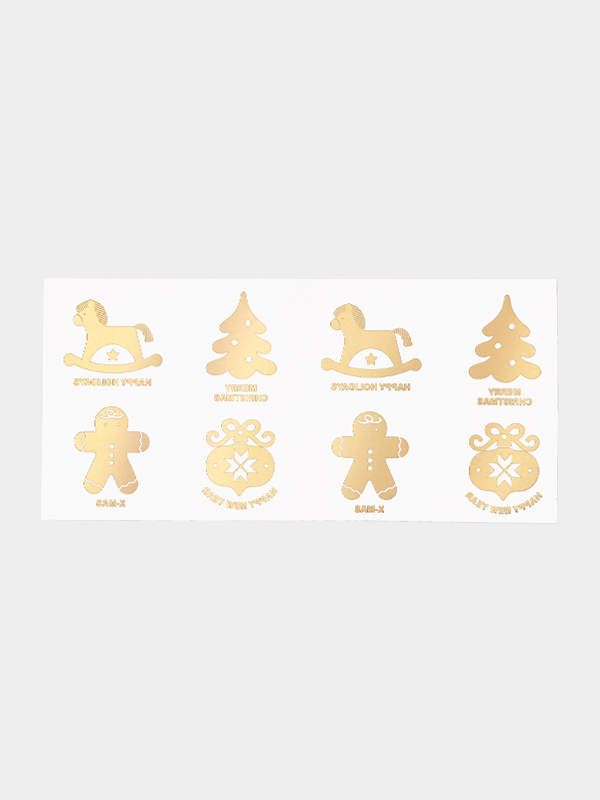
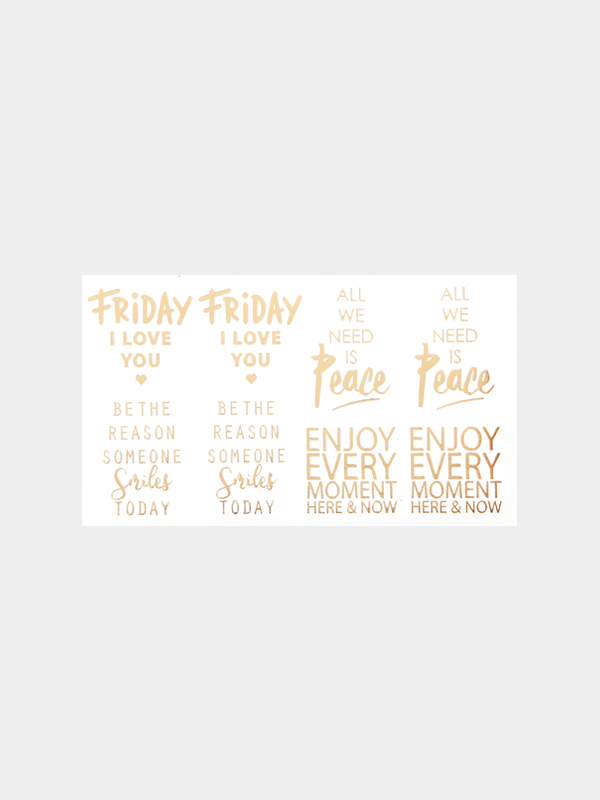
Gold Motif Transfer Sticker
Reviews 213 · 5
- 1 Sheet 1.54 (USD)
|
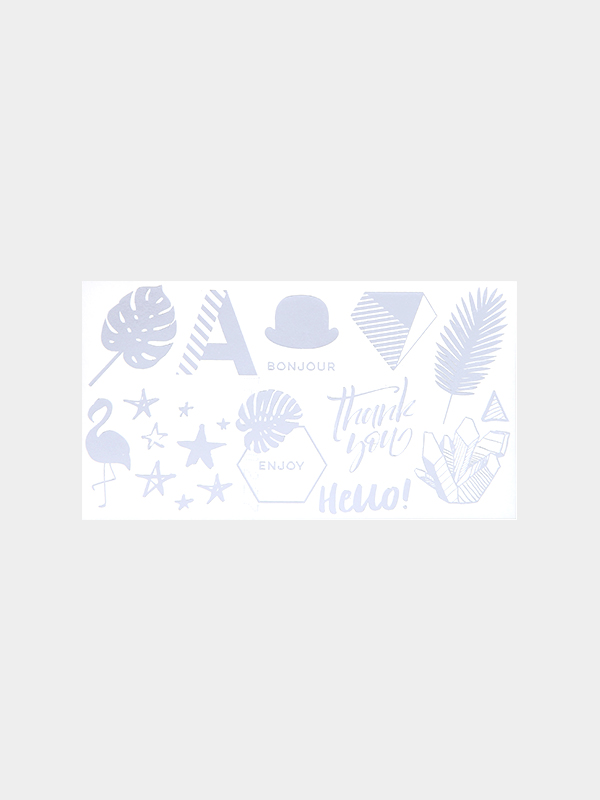
Silver Wonderland Transfer Sticker Size> 1 Standard : Width 3~4cm, Length 3~4cm It can be easily adhered to both wax and glasses. Because the surface is not permanent durability, please be careful that it may be peeled if it is scratched with nail or lot of friction. |
How to Use
1. Cut the text cleanly with a knife or scissors with a square margin.
2. After removing the vinyl coated paper, place the gold text part upside down on the wax tablet. (The tablet should be a perfectly flat surface!)
3. Spray water gently with a sprayer on the other thick paper.
(Water should not be too much or too less. If the water is too much, the transfer paper may be torn or the gold leaf may peel off during the water discharge.)
4. Rub it softly so that it sticks well.
5. With the text in close contact, slide the thick paper down and slide it out softly. (Please be careful that If you remove it harshly by hand, it may be torn off.)
Failure Case: a case that the paper is pressed against the wax tablet <- Too much water.


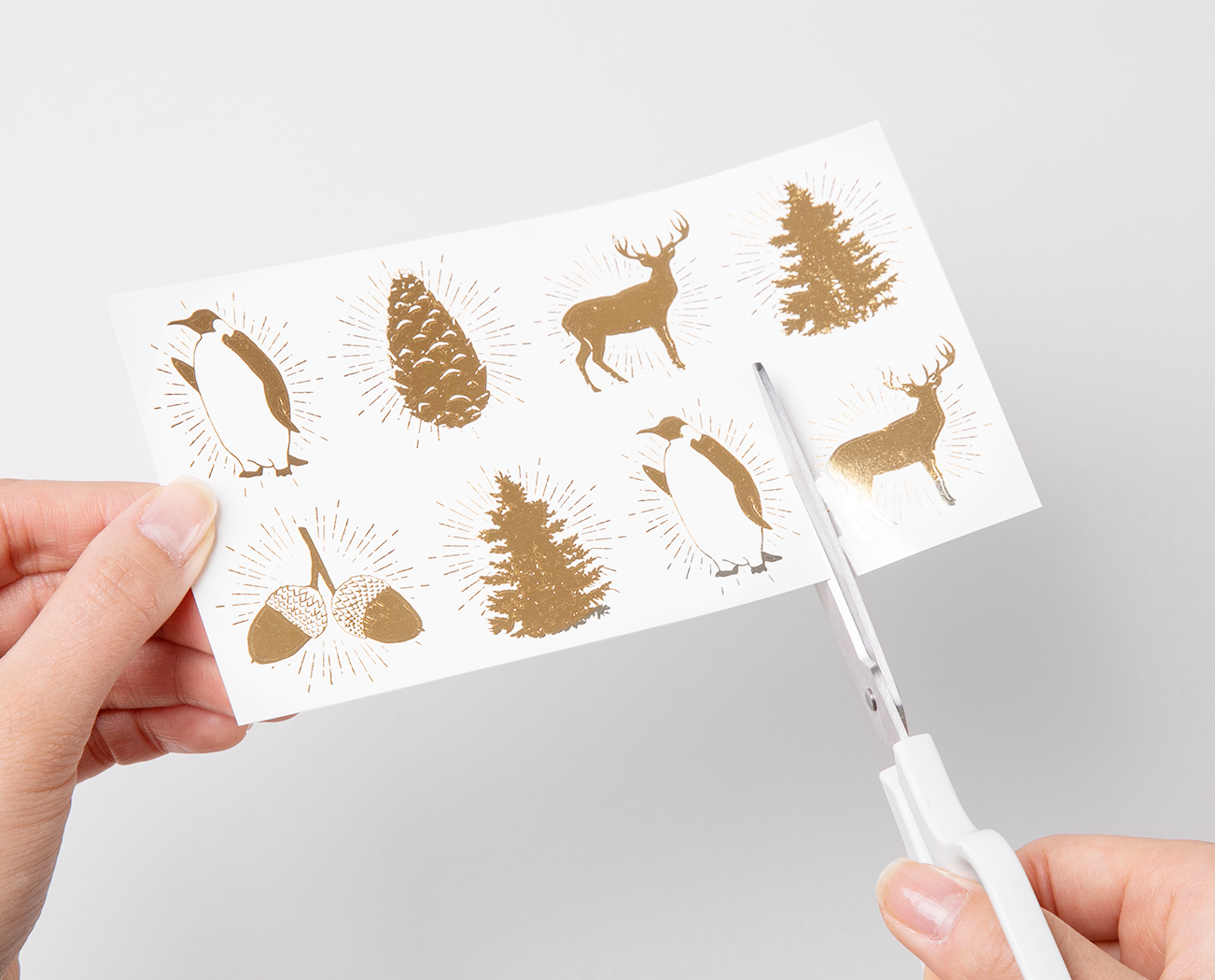
make 1. Cut The Transfer
Cut out the desired illustration from the transfer with a knife or scissors.
make 2. Remove The Coating Film
Remove the coating film, being careful not to get any contaminants such as dust.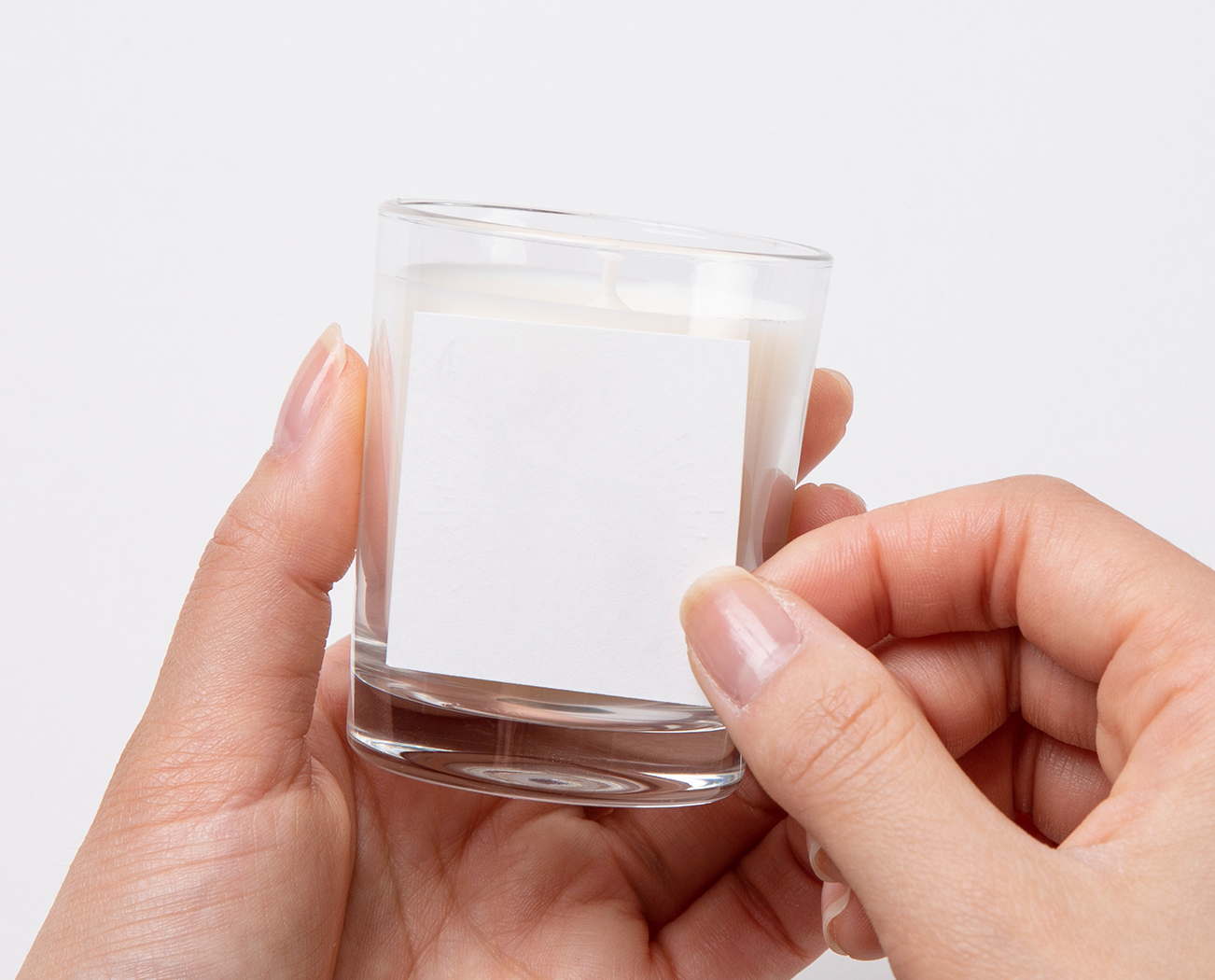
make 3. Put in Place
Turn the gold illustration part upside down on the container and place it on top.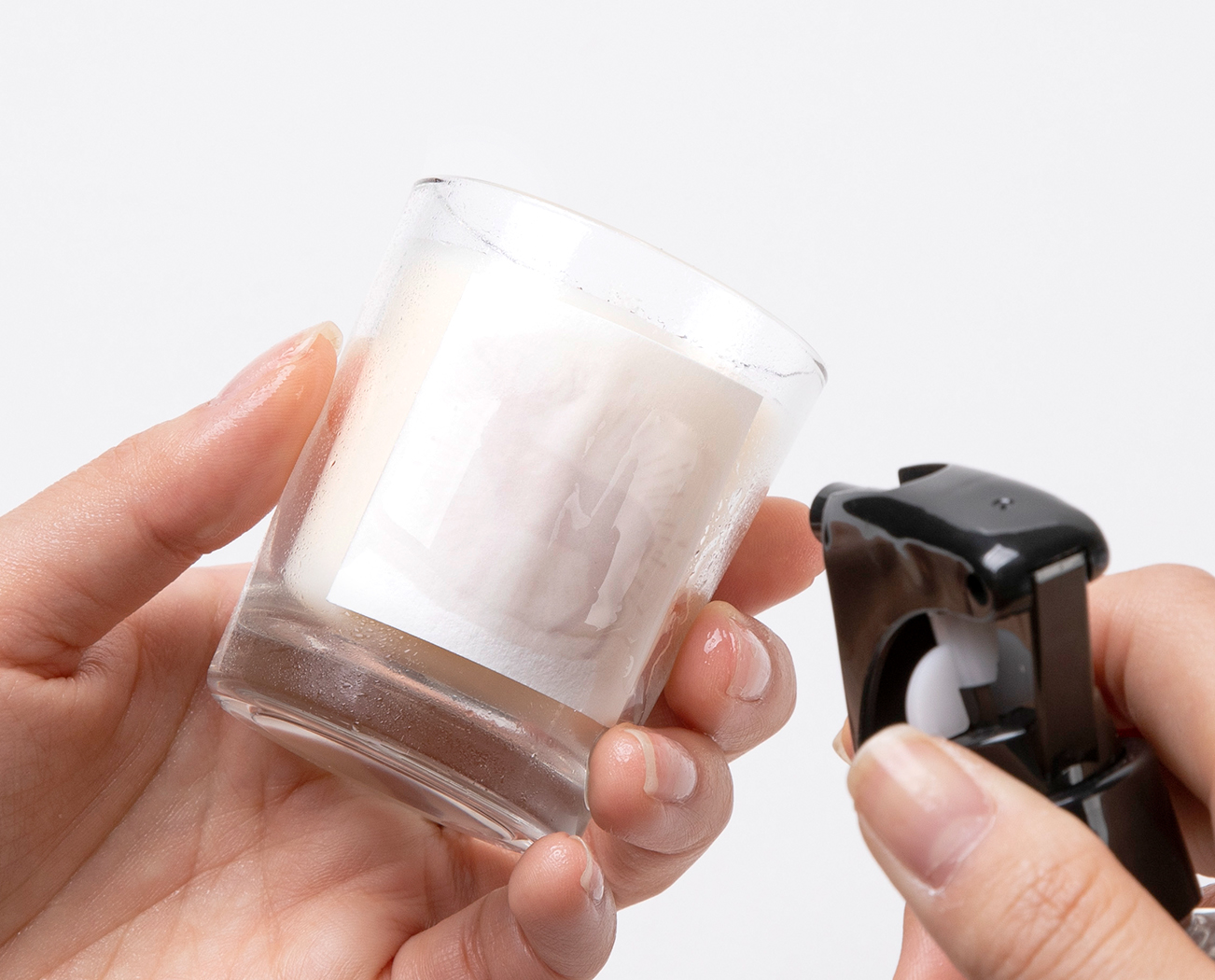
make 4. Water on Paper
Gently spray water on the paper using a sprayer, etc.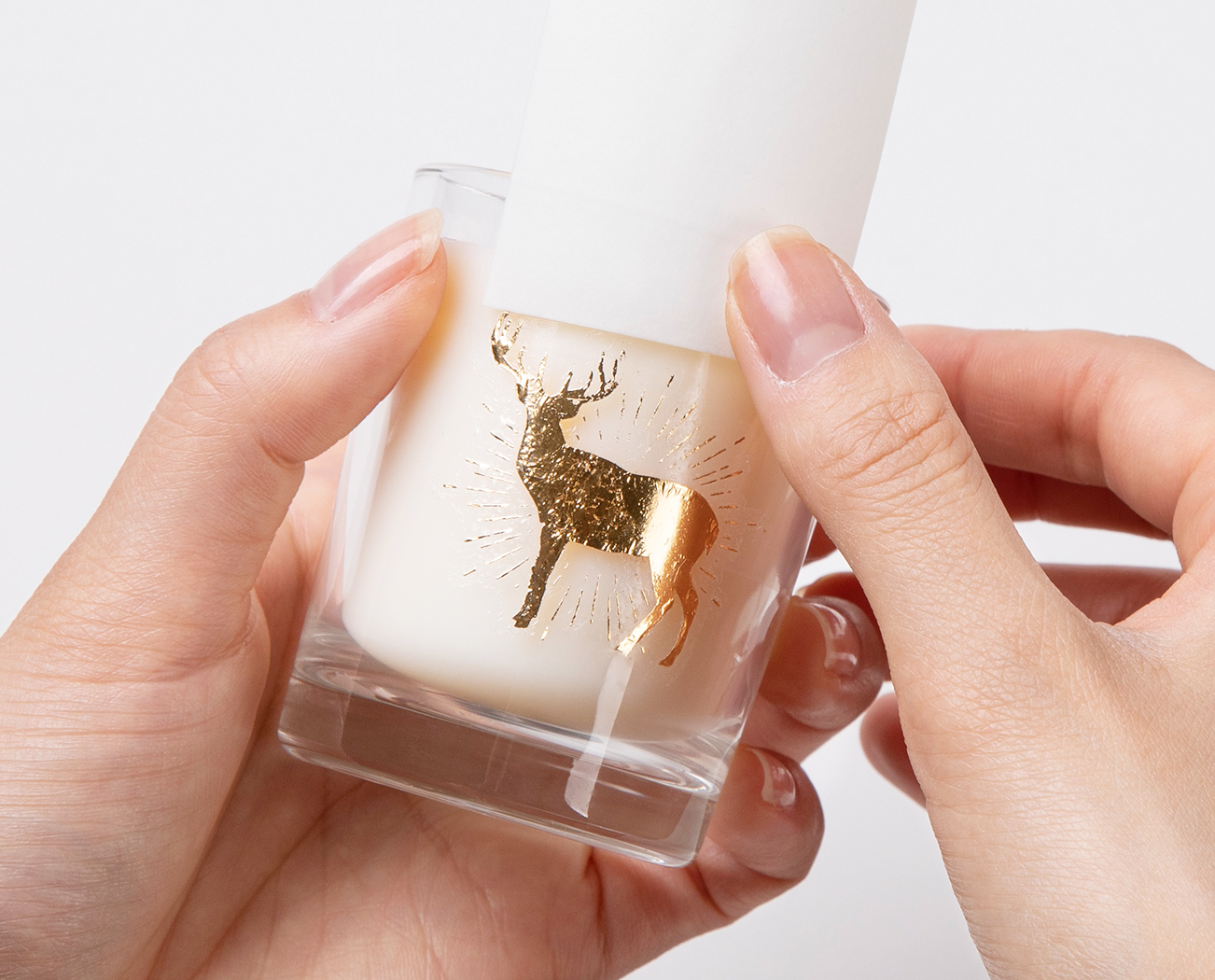
make 5. Remove The Paper
When the paper is wet and images or text are visible, gently press the paper in close contact with the surface and slide it up or down to remove it.If you hold the paper, the gold foil may come off.
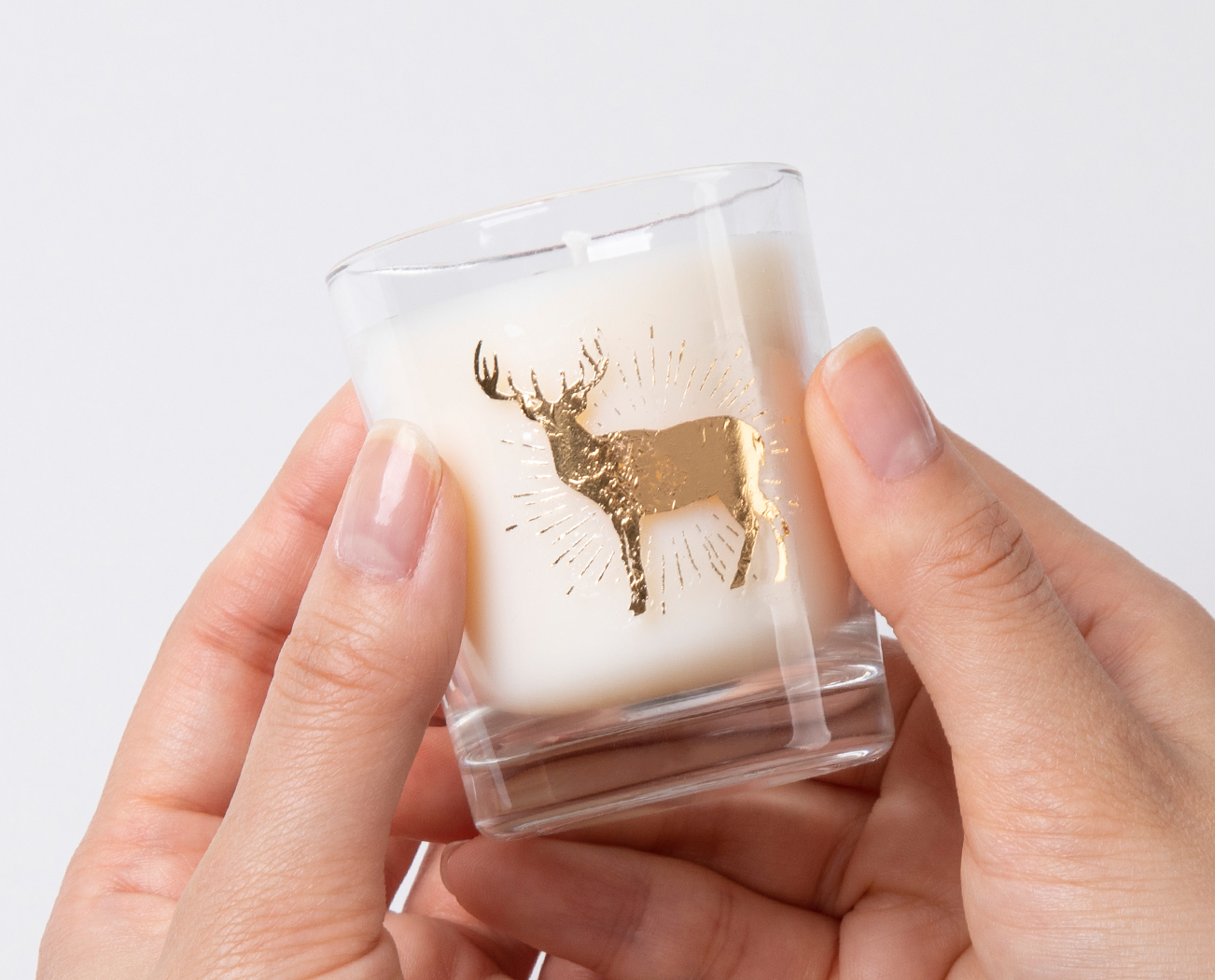
make 6. Remove The Water
Dry the surface moderately to finish.Category Best
- 50%
- 50%
- 50%
- 80%

- 50%